A signed waiver can be the document standing between a contractor and a delayed draw, final payment, or a closed-out project. Digital notarization for waivers can speed up that last paperwork step, but only when the waiver type, state rules, and receiving party all allow it. A fast signature process does not fix a waiver that uses the wrong form or includes terms you did not intend to release.
For contractors, subcontractors, and suppliers, the practical question is not whether digital tools are available. It is whether the completed waiver will be accepted by the owner, general contractor, lender, title company, or other party holding the payment. That answer depends on the job and the document.
What digital notarization for waivers means
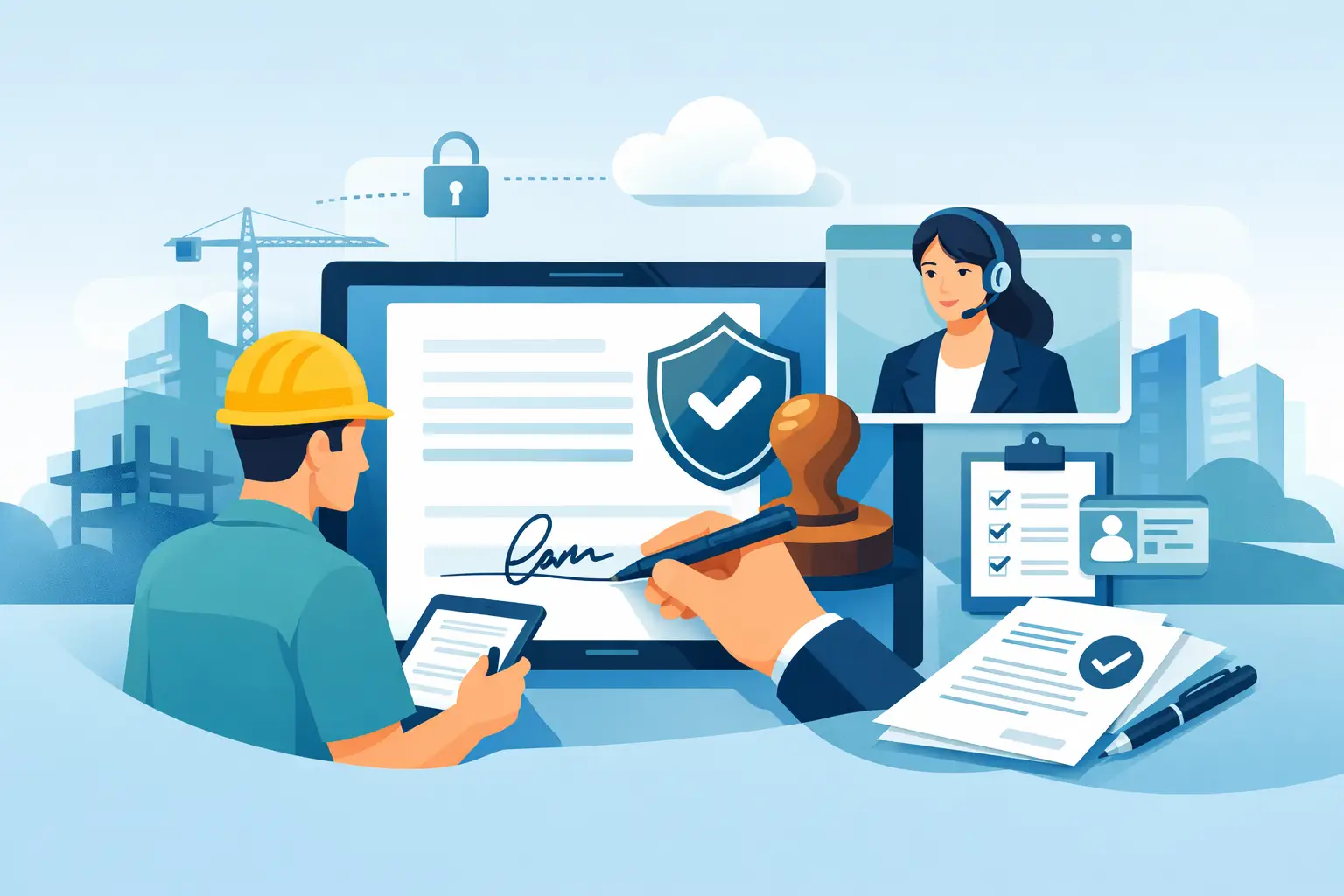
Digital notarization is often used as a catch-all phrase, but there are two different processes that matter. Electronic notarization generally means the signer and notary meet in person, while the document and notarial seal are completed electronically. Remote online notarization, often called RON, lets the signer and notary meet by approved live audio-video technology.
Both differ from a basic electronic signature. Typing a name, clicking an acceptance box, or signing with a finger on a screen may create a valid electronic signature in many situations. It does not, by itself, create a notarization. A valid notarization requires a properly commissioned notary, identity verification, a completed notarial certificate, and compliance with the laws that govern that notary’s commission.
For a lien waiver, this distinction matters. A payment manager may accept an electronically signed conditional waiver for a progress payment, then require a notarized final waiver before releasing a final draw. The requirement may come from a contract, lender, title company, owner policy, or state-specific form rule. Treat each document requirement separately.
First, determine whether notarization is actually required
Not every lien waiver needs notarization. In many states, a waiver can be effective without a notary if it is properly signed and contains the required statutory language. Other parties may still request notarization as a condition of payment or project closeout.
Do not assume a notary requirement simply because someone sends a form with a notary block. Also, do not delete or ignore that block without checking the payment request, contract requirements, and applicable state law. A recipient may reject an unnotarized document even if notarization is not required for lien-waiver validity under state law.
The timing and scope of the waiver are just as critical. A conditional waiver generally becomes effective only after payment clears. An unconditional waiver may release rights immediately, whether or not funds have reached your account. A final waiver may cover all work through completion, while a progress waiver should identify the payment period and amount. Notarization confirms the signing act. It does not change what rights the document gives up.
Before authorizing a digital notary session, confirm these basic points: the correct project and property are named, the claimant name matches the contracting party, the payment amount and through-date are accurate, and the document identifies whether it is conditional or unconditional. If the form includes exceptions for retainage, pending change orders, disputed work, or unpaid extras, make sure those exceptions are stated clearly.
When a remote online notary can be a good fit
Remote online notarization can be useful when the person authorized to sign is in the field, traveling, working from a different state, or unable to get to a local notary during normal business hours. It can also reduce the back-and-forth that happens when a final waiver arrives near a funding deadline.
A properly handled remote session commonly includes identity credential analysis, knowledge-based identity questions where required, live audio-video interaction, an electronic journal entry, and an audio-video recording retained for the required period. The notary completes an electronic certificate and applies an electronic seal. Those controls are why a legitimate remote notarization is more than sending a PDF by email.
Still, convenience is not the only issue. State authorization for remote notarization, the commissioning rules that apply to the notary, and the recipient’s acceptance policy all matter. Many states authorize RON, but the details vary. Some documents, transactions, or recording offices can have their own requirements. If a waiver will be used in a title or construction lending file, ask the recipient in advance whether it accepts remotely notarized lien waivers and whether it requires a particular certificate format.
A quick confirmation before signing can prevent a rejected document after the payment file is already waiting for approval.
The acceptance question contractors should ask first
The person requesting a waiver may say, “Please have this notarized.” That is not enough direction for a remote process. Ask whether they accept a remote online notarization, an electronically notarized document signed in person, or only a wet-ink signature and traditional notary seal.
This is especially relevant on projects involving a lender, title insurer, public owner, or strict draw administrator. Their internal workflow may be more restrictive than the law itself. A waiver can be legally executed yet still be kicked back because it does not meet the recipient’s document policy.
Get the answer in writing when possible. Confirm whether the recipient needs the original document, an electronically sealed PDF, a particular statutory waiver form, or any supporting items such as a sworn statement, invoice, or payment affidavit. If they require a wet-ink original, a remote notarization is not the right shortcut for that document.
A practical process for getting a waiver notarized digitally
The cleanest process starts before the notary appointment. Prepare the waiver completely, but do not sign it until the notary directs you to do so. The signer must be the person with authority to sign for the company. A project superintendent, office manager, or accounts-payable employee should not sign solely because they have access to the document.
Use this four-part check before the session:
- Verify the waiver type, dollar amount, project name, property information, and effective date.
- Confirm the signer has authority and has an unexpired government-issued photo ID available.
- Ask the payment recipient whether it accepts remote online notarization and electronic delivery.
- Save the final executed PDF, the payment backup, and any acceptance confirmation in the project file.
During the session, follow the platform and notary instructions. Do not pre-sign unless the notary tells you it is permitted under the applicable process. Do not use a blank waiver, a blank notarial certificate, or a document with missing payment terms. A completed record is easier to review, easier to defend, and less likely to create a disagreement later.
After the session, inspect the final document. The signer name, notary name, commission information, date, jurisdiction, seal, and certificate language should be present where required. Make sure the downloaded version shows any electronic seal or tamper-evident indicator correctly. Send the version requested by the recipient and retain a copy that cannot be accidentally overwritten.
Common problems that cause payment delays
Most waiver delays are not caused by the video appointment itself. They happen because a contractor signs the wrong waiver, releases too much, uses an outdated state form, or sends a notarized copy that the recipient will not accept.
Another common issue is signing a final unconditional waiver before payment is confirmed. If a check later bounces, a stop payment is issued, or the amount is short, the contractor may have already created a serious collection problem. The right waiver language should match the payment status, not the other party’s preferred shortcut.
Name mismatches also create trouble. The entity that furnished labor or materials should be identified consistently across the contract, invoice, waiver, and lien records. “ABC Concrete” and “ABC Concrete Services LLC” may not be treated as interchangeable in a dispute. Use the legal business name and confirm the signer’s title when the waiver is signed for a company.
Finally, do not treat a notarized waiver as legal approval of the release terms. Notaries verify identity and witness the signing process. They do not evaluate whether the waiver protects your lien rights, preserves outstanding claims, or complies with every construction-law requirement.
Use speed without giving up control
Digital notarization can remove a real administrative bottleneck, particularly when a final payment package needs to move quickly. It works best when the waiver has already been reviewed for the correct scope and when the receiving party has confirmed that a digital notarization is acceptable.
For contractors managing several jobs at once, build that confirmation into the payment process instead of waiting until the final draw. Keep completed waivers organized by project, payment date, and waiver type. If the document is confusing or the release language does not match the payment being offered, pause before signing. First Choice Lien can help contractors handle lien-related paperwork and notarized final release waiver support without adding unnecessary friction to an already time-sensitive payment process.