A past-due invoice can turn into a paperwork emergency fast. You may be running crews, ordering materials, and closing out other jobs while trying to determine which notice is due, when it must be sent, and what information belongs on the form. Lien automation brings order to that process by helping contractors manage deadlines, documents, and payment-protection tasks with less manual work.
That does not mean a contractor can ignore the rules. Construction lien requirements are time-sensitive and vary by state. But the right automated workflow can reduce the administrative pressure that causes missed notices, incomplete forms, and costly delays.
What Lien Automation Actually Means
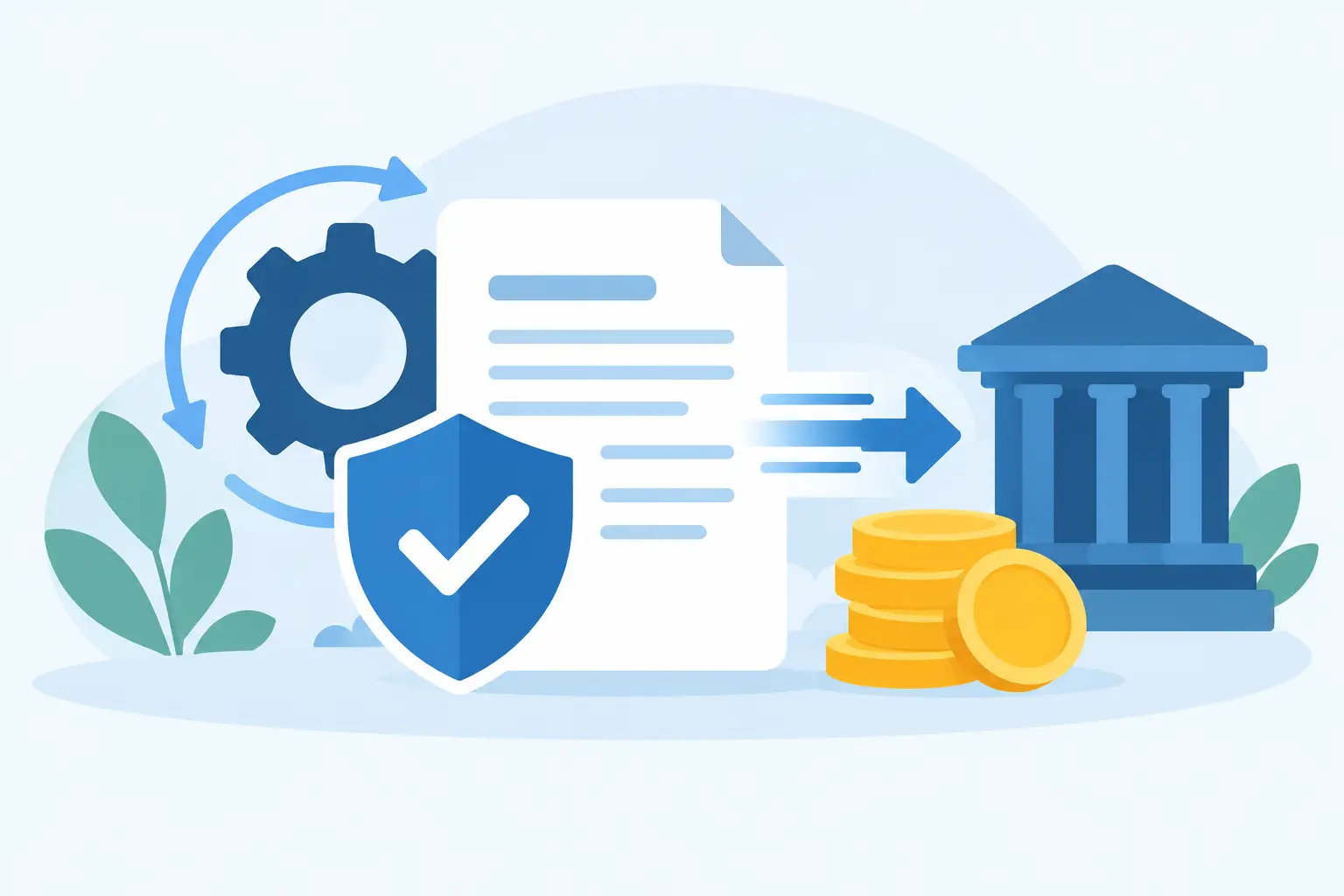
Lien automation is the use of online systems, templates, reminders, and document workflows to handle repetitive lien-related tasks. Depending on the service or system, it may help collect project details, prepare notices, generate lien forms, organize release waivers, track due dates, and keep records in one place.
For a contractor, the value is practical. Instead of rebuilding the same document from scratch every time a customer falls behind, you enter the project information once and use it to prepare the next required document. Instead of relying on a handwritten calendar note, you receive a reminder before a deadline becomes a problem.
Automation is not the same as legal advice. It does not decide whether a lien is valid, resolve a payment dispute, or replace an attorney when a project has serious legal complications. It handles the administrative side of lien compliance more efficiently so you can act promptly and make better use of professional help when it is needed.
Why Paperwork Delays Cost Contractors Money
Payment rights are often lost through delay, not because a contractor did poor work or lacks documentation. A preliminary notice may not be sent on time. The owner name may be incorrect. A legal property description may be missing. A waiver may be signed before funds are actually received.
These issues are easy to create when each project is tracked through text messages, email threads, paper invoices, and separate spreadsheets. The work is not always difficult, but it is repetitive and deadline-driven. That is exactly where a process can break down during a busy month.
Lien automation creates a more consistent path from unpaid invoice to action. A good workflow starts when the job is opened, not when the account is already severely overdue. Project data, contract amounts, customer information, job address, and key dates should be collected early. When payment slows down, the required information is already organized.
How Lien Automation Supports the Payment Process
The most useful systems do more than produce a document. They make it easier to know what needs attention next.
Deadline tracking keeps action from becoming an emergency
Lien deadlines can depend on the state, your role on the project, the type of project, and events such as last furnishing labor or materials. Missing a deadline can weaken or eliminate your ability to pursue lien rights.
A reliable automated process records the relevant dates and gives your team enough lead time to review the document, confirm project details, and send or file it correctly. The reminder should not arrive on the final day. Build in time for corrections, delivery issues, notarization, or a property search when those steps are required.
Standardized intake reduces document errors
Every lien-related form depends on accurate information. An automated intake process can require the same essential details for every project: legal business name, owner information, property address, hiring party, work performed, amount due, and important project dates.
That consistency matters. If a field employee sends a job address by text and the office later copies it into a form, simple typing mistakes become more likely. A structured intake form makes missing information visible before document preparation begins.
Document preparation becomes faster and easier to review
Pre-filled templates save time, particularly for contractors with multiple open accounts. Rather than manually re-entering company details, project descriptions, and unpaid balances into separate forms, the information can be carried through the workflow.
Speed should never mean skipping review. Before sending a notice, executing a waiver, or preparing a lien, verify the names, amount claimed, project location, and dates against your contract, invoices, delivery records, and job file. Automation makes preparation faster. Your records make the document defensible.
Waiver management protects against accidental over-release
Lien waivers are a common closing document, but they deserve careful handling. A conditional waiver generally serves a different purpose than an unconditional waiver, and the right form depends on whether payment has actually been received and cleared.
An automated waiver process can connect a waiver to a specific invoice, progress payment, or final payment. This makes it easier to see what amount is being released and whether the document matches the payment status. It also creates a cleaner record if questions come up later.
Where Automation Has Limits
No two construction disputes look exactly alike. A small residential repair job with one unpaid invoice may need a simple, fast response. A commercial project involving multiple subcontractors, change orders, retainage, a disputed scope of work, or a bankruptcy issue requires more careful review.
Automation is most helpful for repeatable tasks. It is less reliable when the facts are unusual or the law is unclear. A system may flag a deadline based on information entered into it, but it cannot correct an inaccurate last-work date or determine whether a particular state exception applies.
Use extra caution when the job crosses state lines, involves public property, includes a lender dispute, or has a large unpaid balance. Public projects may involve bond claims or other notice requirements rather than traditional mechanics liens. When the stakes are high, contractor-friendly document support and qualified legal guidance can work together.
Building a Practical Lien Automation Workflow
You do not need a complicated software rollout to improve your process. Start by deciding who owns the payment-protection file for each job. That person should have access to the signed contract, change orders, invoices, customer contacts, property information, and proof of work or delivery.
Next, set the workflow at the beginning of every project. Capture the full project address, identify who hired you, confirm who owns the property when relevant, and record key dates as work begins. If a notice is required, do not wait until the invoice is late to investigate it.
Then create clear triggers. For example, a payment that is seven days late may trigger an internal account review. A payment that reaches a second threshold may trigger notice preparation or a direct collection call. The exact timeline depends on your contracts and applicable state rules, but the important point is consistency.
Keep your workflow focused on four operational goals:
- Collect complete project and customer information before work is underway.
- Track notice, filing, and enforcement deadlines well ahead of their due dates.
- Prepare documents from verified job data rather than retyping information repeatedly.
- Store signed waivers, delivery confirmations, invoices, and correspondence with the project file.
This approach gives your office a repeatable process without forcing your field team to become lien specialists. It also makes it easier to hand a complete file to a document-preparation service or attorney if the account needs to escalate.
Choosing the Right Level of Support
Some contractors are comfortable using free forms for straightforward jobs. Others prefer to outsource property research, document preparation, notarized final release lien waivers, or lien paperwork because office time is limited. Neither approach is automatically better.
The right choice depends on the volume of projects, the size of the unpaid balance, your internal administrative capacity, and how confident you are in the required process. If your team handles occasional small jobs, a simple deadline calendar and organized templates may be enough. If you manage frequent projects or payments routinely arrive late, outsourced support can reduce the burden on your office.
Look for clear pricing, realistic turnaround times, and a provider that explains what is included. First Choice Lien helps contractors reduce the paperwork load with practical lien-related document support, property searches, and straightforward service options. Confirm early whether you are responsible for recording or filing the completed document, since document preparation and recording are not always the same service.
The Best Time to Automate Is Before Payment Slows
A lien process works best when it is part of your normal job setup, not a last-minute reaction to a difficult customer. Put the right information in the file, set the reminders, review documents before they go out, and keep proof of every important step. When a payment issue appears, you will have a clear path forward instead of a stack of paperwork and a shrinking deadline.